

Can the iPhone Duo Really Not Use a Physical SIM Card at All?
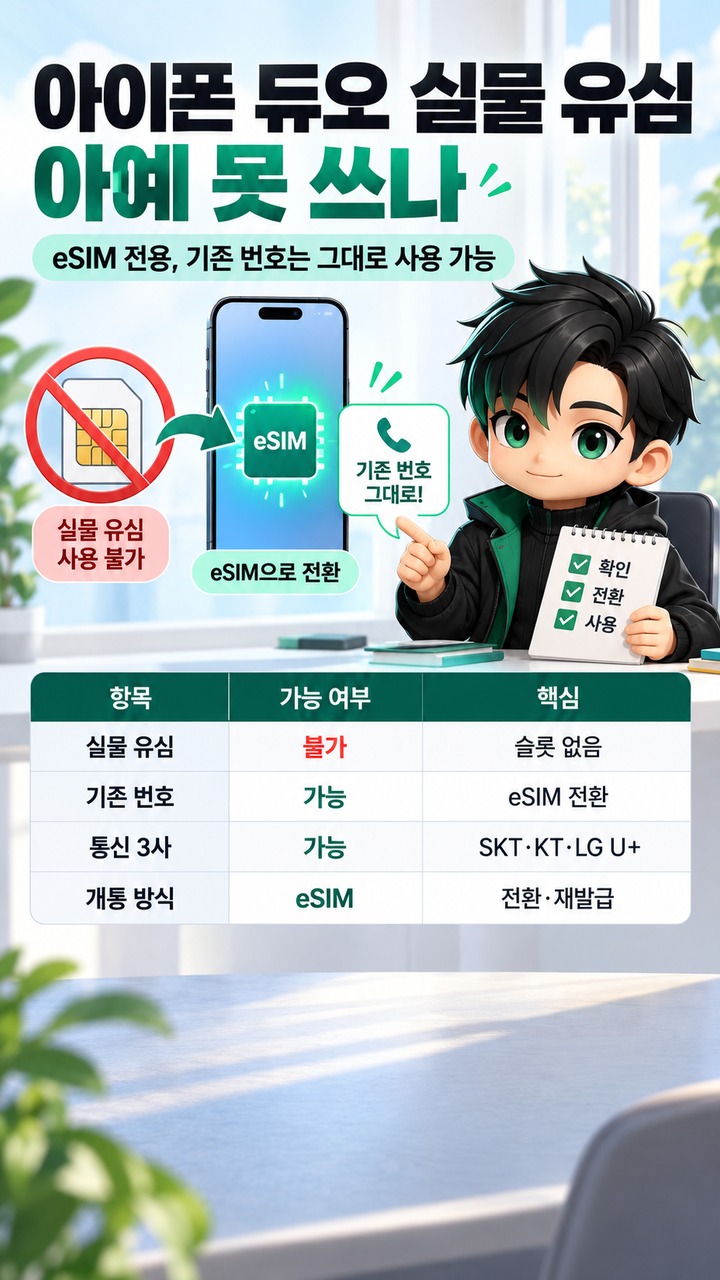
The iPhone Duo is eSIM-only, but can you keep your existing phone number? How to activate service with SKT, KT, and LG U+# The iPhone Duo is eSIM-only, but can you keep your existing phone number? How to activate service with SKT, KT, and LG U+
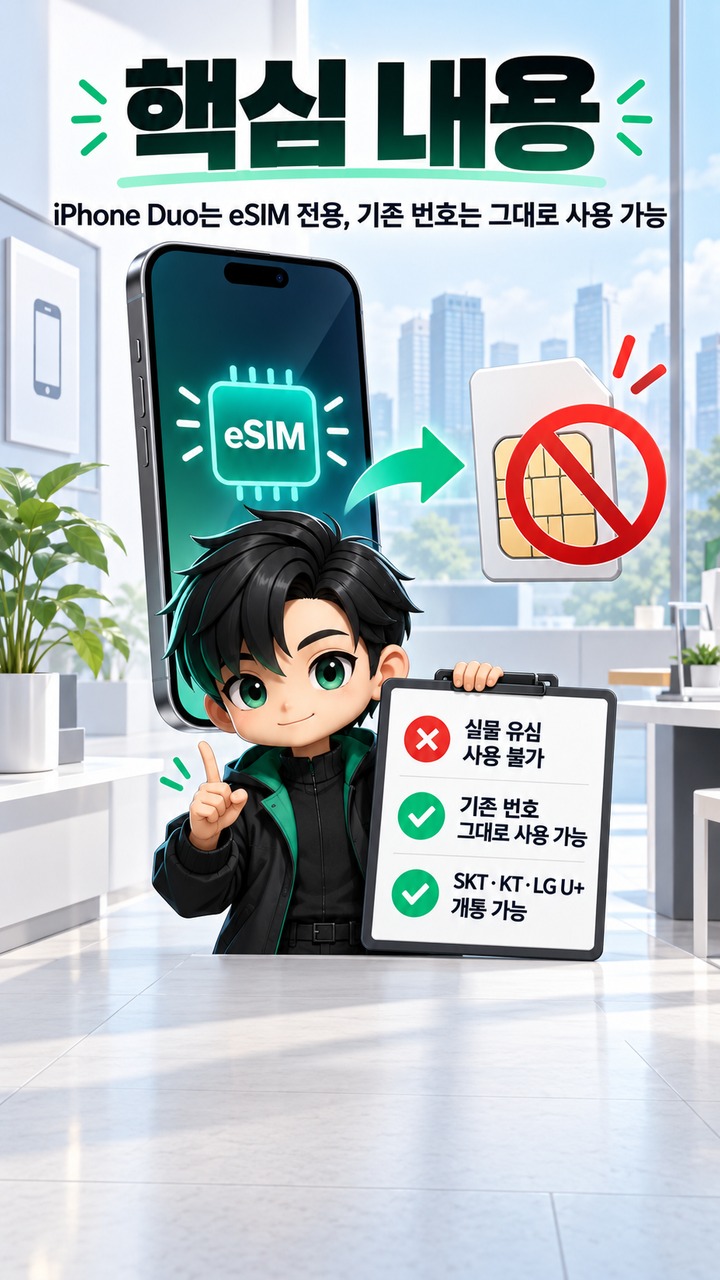
The iPhone Duo cannot accommodate a physical SIM card, but you can continue using your current mobile phone number. If your existing number is associated with a physical SIM card, you cannot simply move that card into the new device. Instead, you must convert your existing line to eSIM or obtain and activate a new eSIM through your current mobile carrier.
As of 2026-09-13, Apple lists SK Telecom, KT, and LG U+ as mobile carriers supporting eSIM in South Korea. However, support for 'eSIM Quick Transfer,' which automatically transfers a phone number between iPhones, and the actual activation process may vary depending on the carrier and the conditions of the mobile line.
Can the iPhone Duo Really Not Use a Physical SIM Card at All?
That's correct. Every iPhone Duo model worldwide is eSIM-only and is incompatible with physical nano-SIM cards. Unlike previous iPhones with SIM trays, there is no option to open a tray and transfer a physical card.
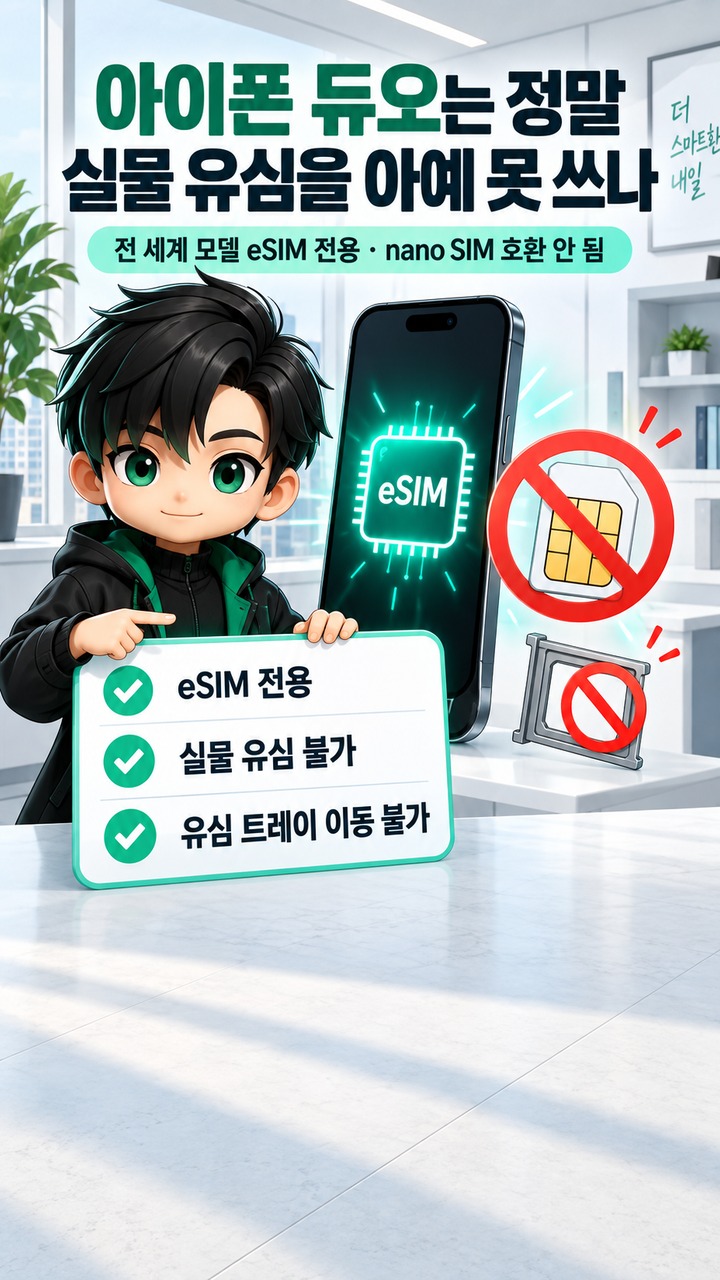
Instead, the iPhone Duo can have 2 eSIMs active simultaneously and store 8 or more eSIMs on the device. This allows users to manage work and personal numbers together or maintain a domestic number alongside a travel eSIM for use abroad.
In other words, what changes is not your phone number but how that number is provisioned on your device.
Can You Keep Your Current Phone Number on the iPhone Duo?
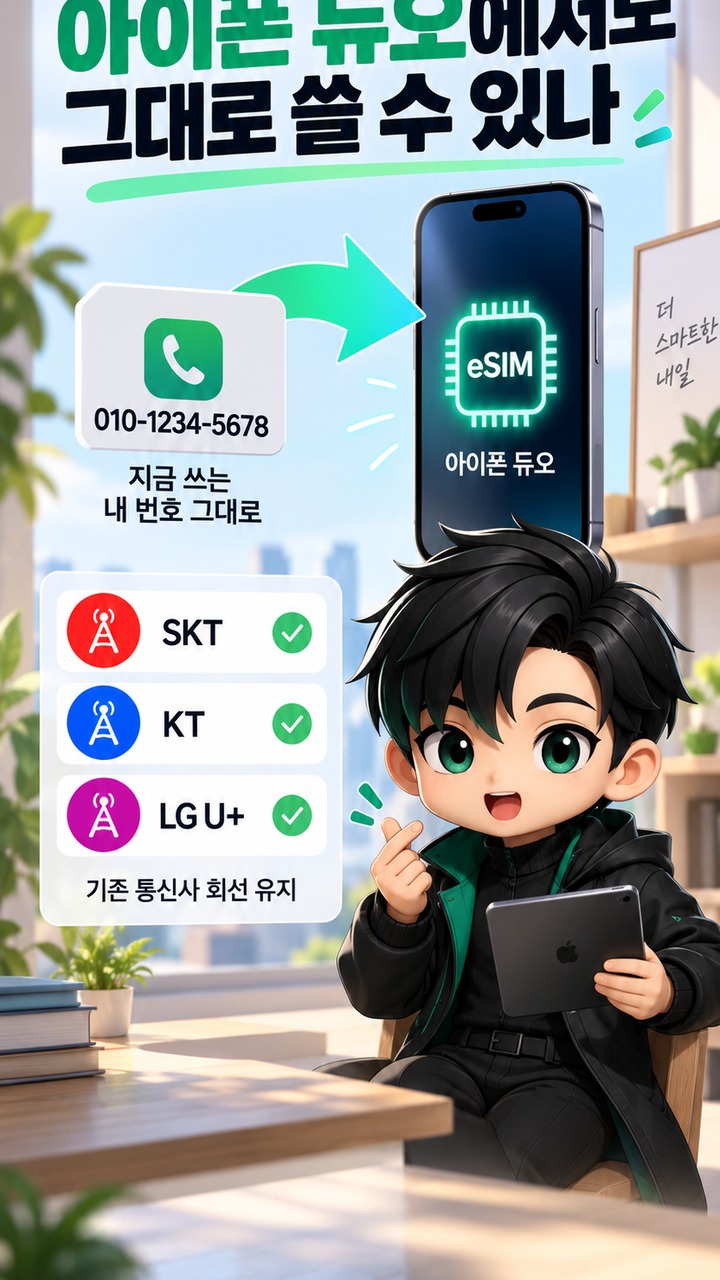
Yes. You can keep your existing mobile carrier and phone number while switching from a physical SIM to an eSIM, without having to port your number to another carrier.
For example, if you currently use a physical SK Telecom, KT, or LG U+ SIM card in an iPhone or Android phone, activating service on the iPhone Duo will generally follow one of these approaches.
| Current situation | What you need to do on the iPhone Duo |
|---|---|
| Using an existing physical SIM | Convert the existing line to eSIM and have an eSIM issued |
| Using an existing eSIM | Reactivate or transfer it using a carrier-supported method |
| Activating a new phone number | Activate a new line with eSIM |
| Switching carriers | Port your number and activate an eSIM with the new carrier |
The important distinction is that your existing physical SIM card does not physically transform into an eSIM. Instead, the carrier issues a new eSIM profile associated with the same phone number or digitally provisions the line.
Do SKT, KT, and LG U+ Support eSIM on the iPhone Duo?
Apple's South Korea carrier information lists all three providers—SK Telecom, KT, and LG U+—as supporting eSIM Carrier Activation. All three are also listed as supporting other eSIM activation methods, including QR codes and carrier apps.
Therefore, the iPhone Duo being eSIM-only in South Korea does not mean customers of these 3 carriers must obtain new phone numbers.
However, there is an important distinction between two features.
Apple's 'eSIM Carrier Activation' and 'eSIM Quick Transfer' are not the same feature.
eSIM Carrier Activation allows a mobile carrier to digitally assign a cellular plan to an iPhone. By contrast, eSIM Quick Transfer allows users to transfer a phone number by placing their old and new iPhones near each other, without separately contacting their carrier.
As of 2026-09-13, Apple's South Korea section lists the 3 carriers as supporting eSIM activation, but Korean carriers are not separately listed as supporting 'eSIM Quick Transfer.' Therefore, you should not assume that your existing physical SIM number will automatically transfer through the iPhone settings screen alone.
How Should You Prepare to Transfer from an Existing iPhone?
There is no need to factory-reset your existing phone or cancel its SIM service before receiving your iPhone Duo.
The safest sequence is as follows.
1. Keep your existing phone and phone number active and functioning normally.
2. Connect the iPhone Duo to Wi-Fi and begin the initial setup.
3. During cellular setup, check which eSIM activation methods your carrier provides.
4. If automatic activation is unavailable, follow your carrier's instructions to use a QR code, app, or separate eSIM issuance process.
5. Confirm that calls, text messages, and mobile data work correctly on the iPhone Duo.
6. Once activation is complete, proceed with clearing or factory-resetting your old device.
Apple also instructs users to connect their new iPhone to Wi-Fi or a hotspot when setting up eSIM. Once the new line is activated, the previous SIM may be deactivated for that number.
In particular, it is best to avoid deleting an eSIM arbitrarily as a troubleshooting measure. Apple warns that deleting an eSIM may require obtaining a new eSIM from your carrier and setting it up again.
Is the Process Different When Transferring from a Galaxy or Another Android Phone?
When switching from Android to the iPhone Duo, confirming carrier support is even more important than when transferring from an existing iPhone.
Apple explains that transferring an eSIM from Android to iPhone can be done directly with supported carrier and device combinations. However, if direct transfer is not supported, you must contact your mobile carrier to transfer the number using eSIM Carrier Activation or a QR code.
Therefore, you cannot simply insert the physical SIM card from your Galaxy phone into the iPhone Duo.
If you want to keep your phone number, the key is not to cancel your existing carrier line but to first confirm the procedure for converting it to an eSIM that can be used on the iPhone Duo.
What Else Should MVNO Customers Check?
If you use a mobile virtual network operator (MVNO), also known as a budget mobile carrier in South Korea, using the SKT, KT, or LG U+ network does not necessarily mean the same eSIM activation procedures apply.
MVNOs lease network access from the 3 major carriers, but each MVNO operates its own subscription and activation systems. Therefore, you need to check separately whether your current provider offers eSIM, whether it allows an existing physical SIM line to be converted to eSIM, and whether it supports activation on the iPhone Duo.
If you purchase the device first and then discover that your MVNO does not support eSIM, you may even need to change carriers. Before buying the iPhone Duo, it is advisable to confirm not only whether new eSIM subscriptions are available but also whether your existing phone number can be converted to eSIM.
Can You Use Two Phone Numbers?
Yes. The iPhone Duo supports Dual eSIM, allowing 2 active eSIMs to be used simultaneously.
For example, you can have both a personal and a work number on the same device, or add a travel data eSIM while keeping your domestic phone number active.
However, registering two lines simultaneously does not mean you can use two cellular data networks at the same time. Apple explains that, with Dual SIM, both numbers can be used for calls and messages, but only one cellular data network can be used at a time.
4 Things to Check Before Buying the iPhone Duo
When it comes to eSIM on the iPhone Duo, the most important question is not simply whether eSIM is supported, but how you can transfer your existing mobile line.
Check these four things before purchasing.
Whether your current carrier or MVNO supports eSIM
Whether you can convert to eSIM while keeping your existing phone number
Whether the conversion requires a separate issuance procedure or involves additional fees
If you plan to use two numbers, whether both lines can be used on the iPhone Duo
In South Korea, iPhone Duo preorders are scheduled to begin at 9 PM on 2026-10-16, with the official release scheduled for October 23. According to Apple's South Korean online store, pricing for the 256GB model starts at KRW 3,290,000.
Therefore, if you currently use a physical SIM card, there is no need to discard it or change your phone number before launch. Your first priority should be confirming with your current carrier whether your existing number can be converted to eSIM.
Related Articles
Information verified as of 21:01 Korea Standard Time on 2026-09-13.