

How to Get Google AdSense Approval and Use It: Approval Requirements That Matter More Than Post Count and the Order of Ad Setup
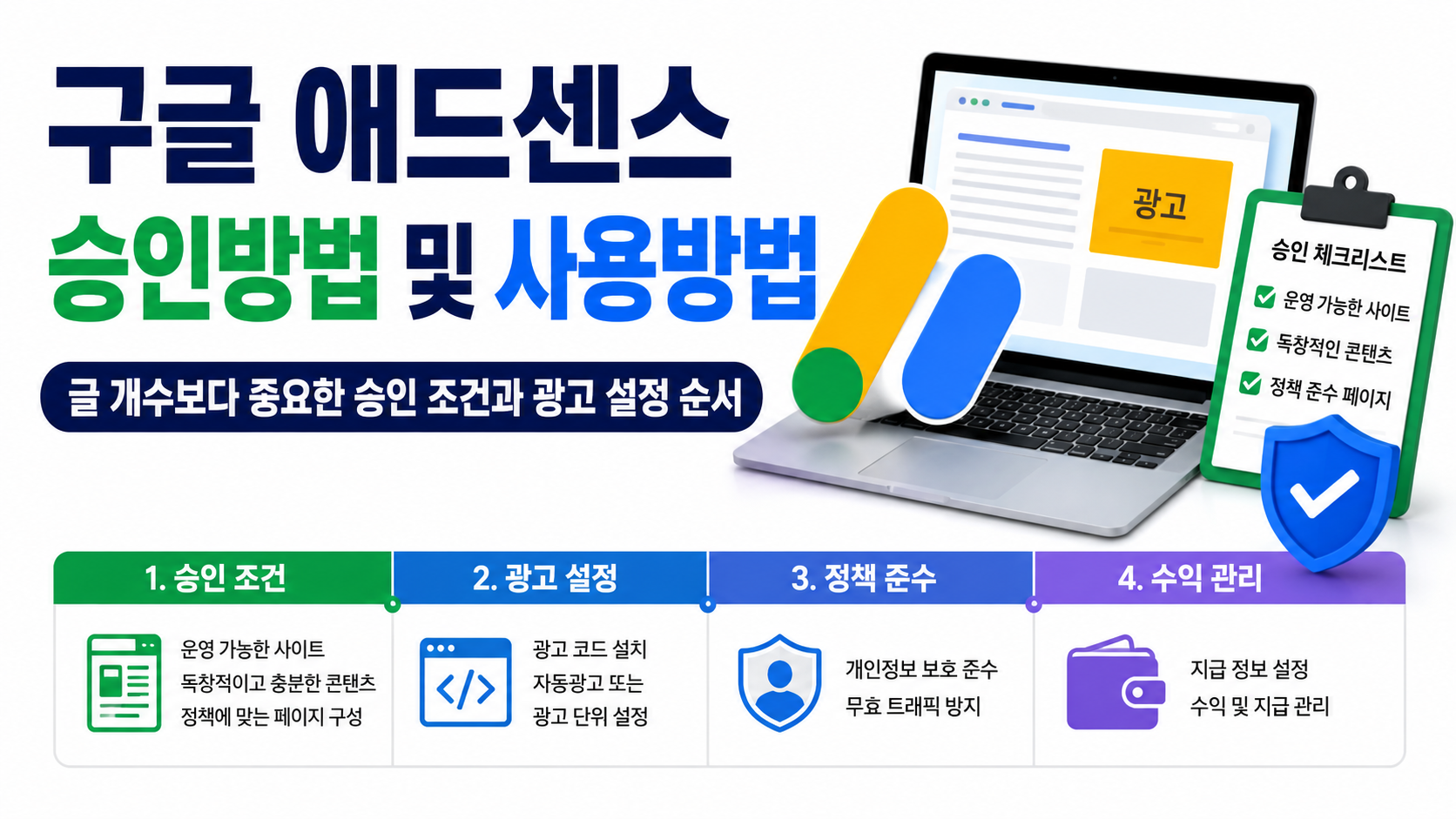
To get Google AdSense approval, you should focus on having a website you can directly manage, sufficient original content, and a site structure that complies with policies rather than simply increasing the number of posts. After approval, install the ad code, configure Auto ads or ad units, and manage privacy, invalid traffic, and payment information.
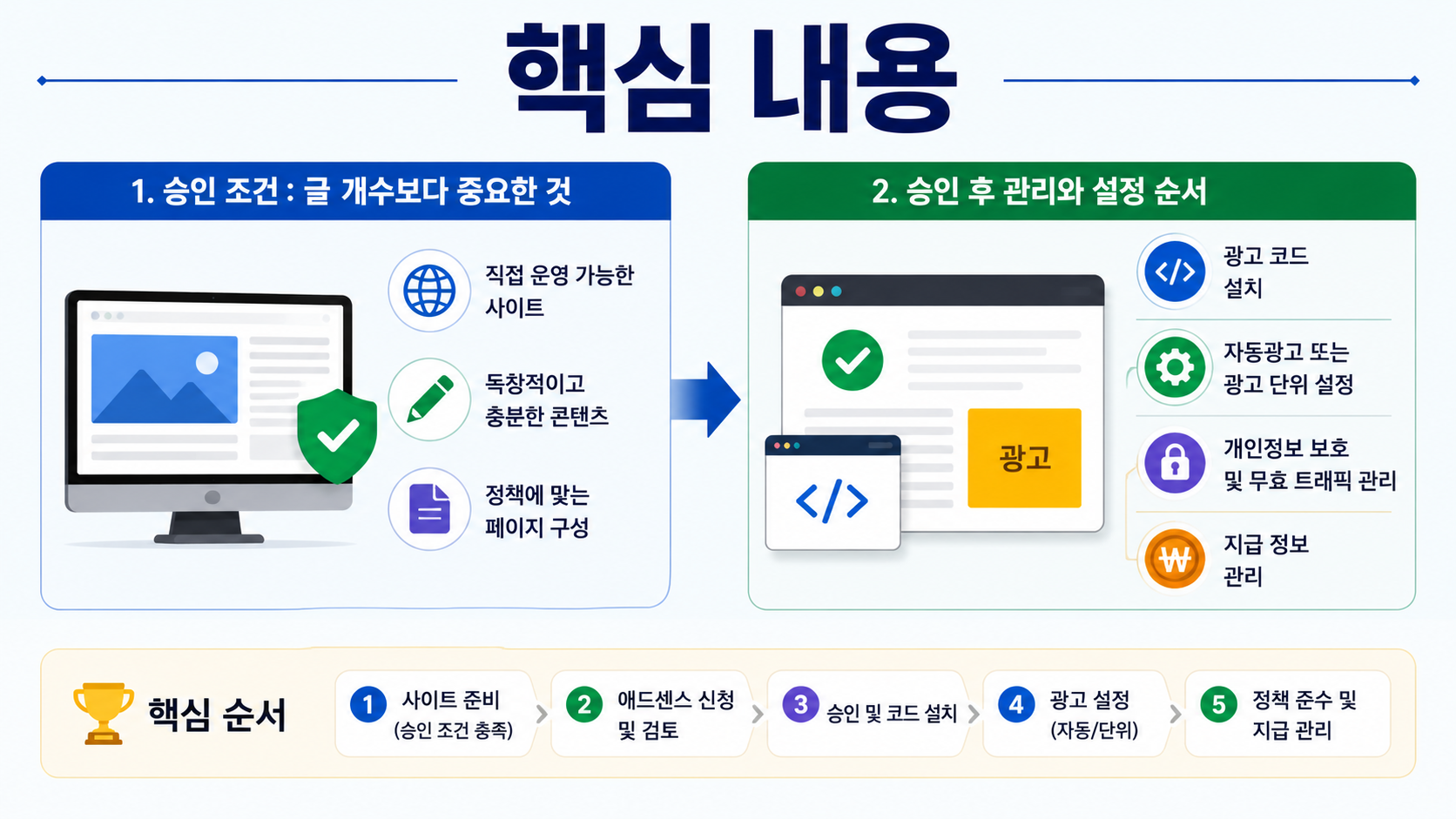
In particular, there is no need to treat a single number, such as 'how many posts are required for approval' or 'how many daily visitors are needed,' as a guaranteed approval threshold. Google's published eligibility requirements focus on content quality and originality, whether you can directly control the website, and whether you meet the age requirement and program policies.
What Matters Most for Google AdSense Approval?
The first thing to check before applying for AdSense is whether your website offers independent content intended for real users. You cannot reliably assess your chances of approval simply by reaching a certain number of posts or increasing your page count by repeating similar sentences.
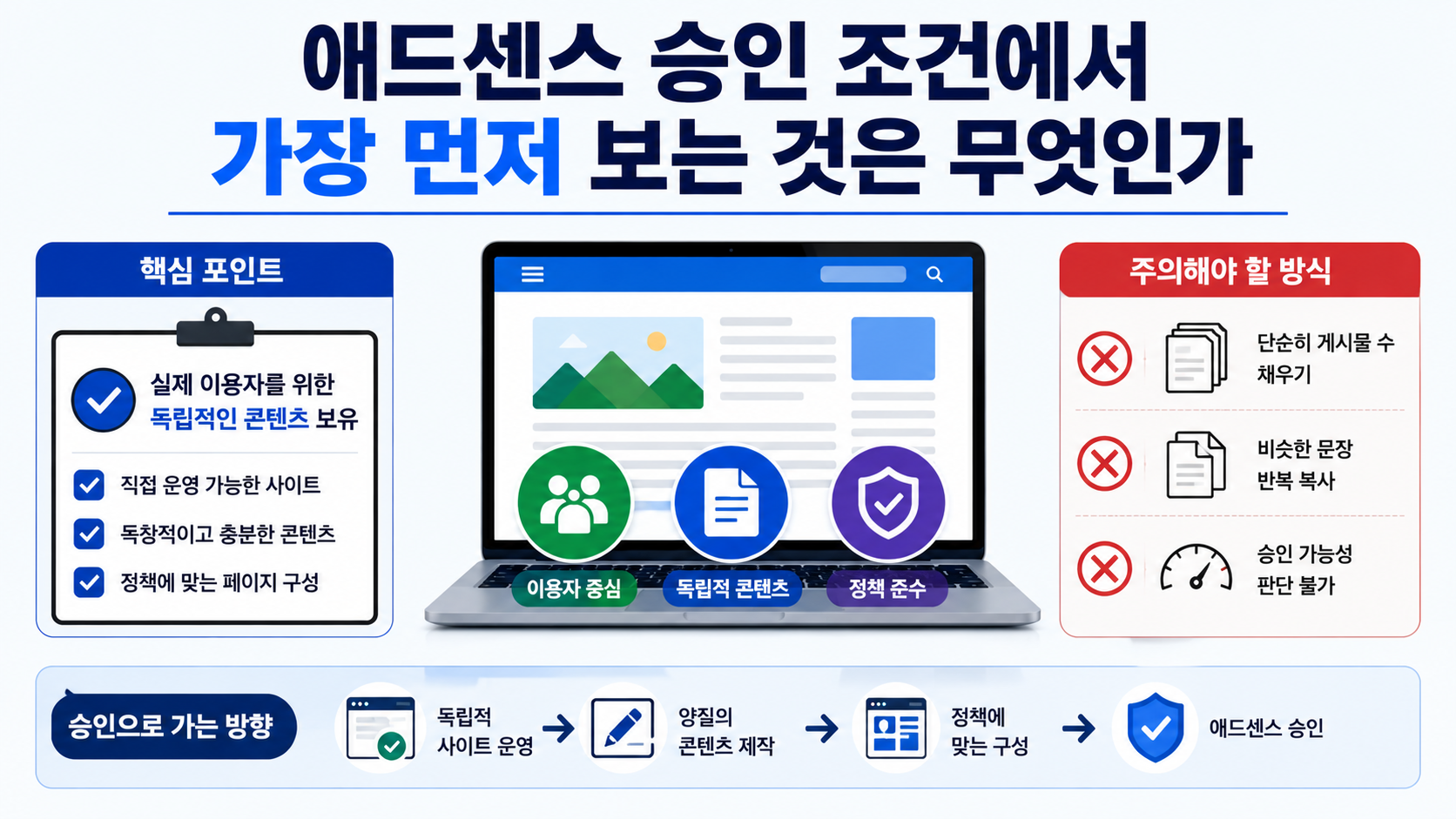
Google requires AdSense participants to provide original and engaging content and to own their websites or have sufficient control over them to access the HTML source and insert advertising code. Applicants must be at least 18 years old, and the same publisher is not permitted to create multiple AdSense accounts.
Therefore, before applying for approval, it is better to review your entire website rather than focus on the number of posts.
Check whether the website has little actual content beyond its homepage, whether any menu links lead to empty pages or errors, and whether the site merely collects and republishes material from other websites. If a website has many article titles but individual pages do not provide distinct answers to readers, the number of posts means very little.
A privacy policy is also important when operating advertisements. AdSense publishers must provide privacy-related disclosures informing users about cookies, identifiers, and the collection and sharing of data associated with the use of Google products.
An About page and contact information can also help visitors understand the website's purpose and who operates it. However, creating About and Contact pages does not automatically guarantee approval. What matters is whether the entire website functions as a complete, legitimate website designed for real users.
Commonly Claimed Approval Requirements vs. What You Actually Need to Check
| Commonly Claimed Requirement | What You Actually Need to Check |
|---|---|
| You must have at least 20 posts | Google's official eligibility requirements do not specify a fixed number of posts |
| You need substantial visitor traffic before applying | Prioritize content quality and policy compliance over visitor numbers |
| An older domain is always better | Domain age alone does not determine approval |
| You cannot apply without ads.txt | It is not mandatory, but configuring it after approval is recommended to protect advertising revenue |
| Once approved, you can place ads anywhere | Ad placement and traffic remain subject to advertising policies |
When preparing for approval, building a website where every page has a clear purpose is a much more practical approach than trying to meet arbitrary numerical targets.
How Do You Apply for Google AdSense Step by Step?
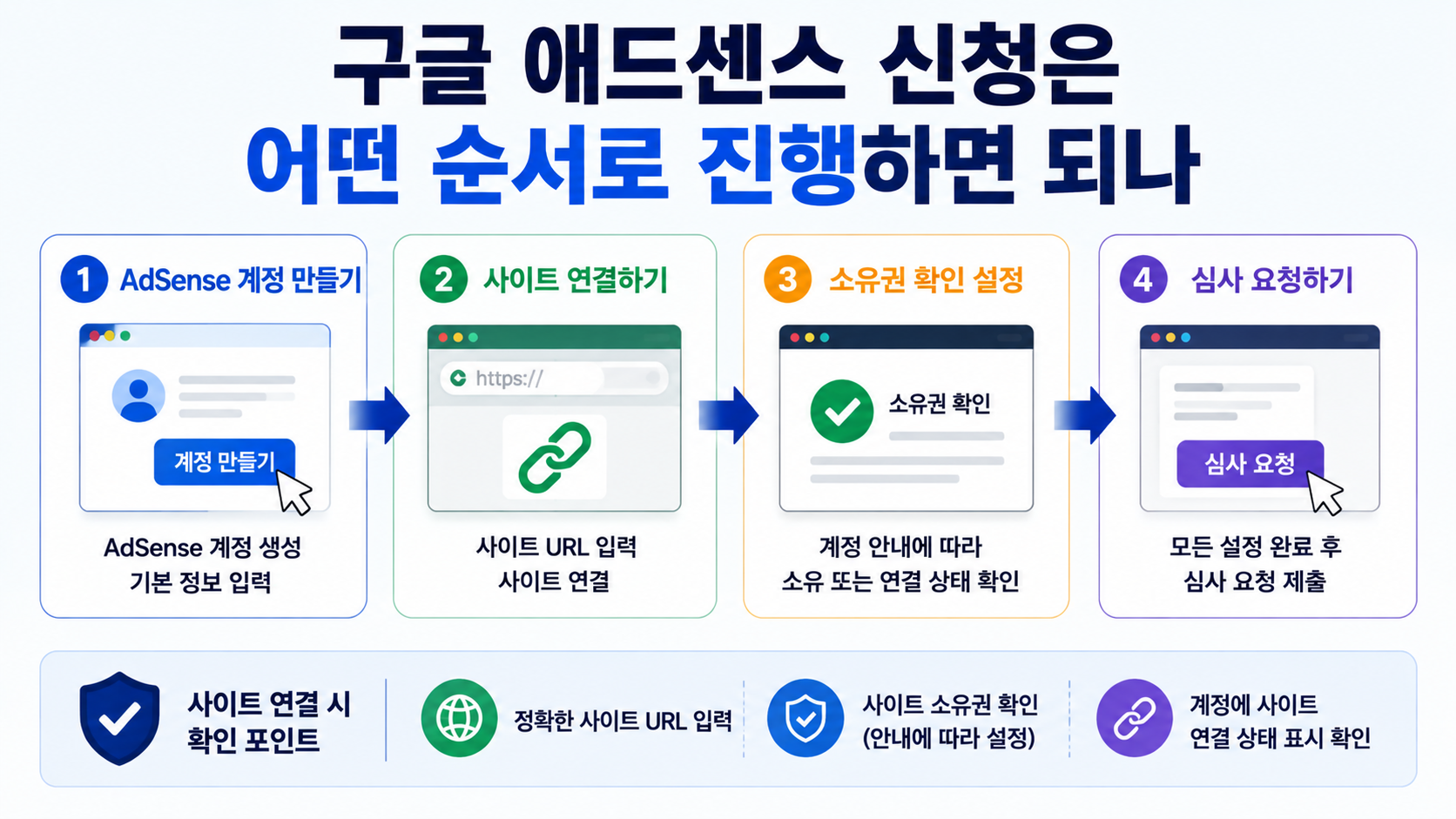
Once your website is ready, create an AdSense account, connect your website, and request a review. During the connection process, follow the instructions displayed in your account to configure the necessary settings so that website ownership or connection status can be verified.
Follow this sequence:
1. Prepare an AdSense account using the Google account you intend to use.
2. Enter accurate information and the address of the person who will receive payments.
3. Add your active domain through the Sites section of AdSense.
4. Connect your website to AdSense using the method provided in your account.
5. Check again for content that violates advertising policies or pages that do not function properly.
6. Request a website review.
7. After approval, confirm that the website is eligible to display ads and proceed to advertising settings.
If you can edit your website's HTML directly, one method is to install the code provided by AdSense in the page's `<head>` section. In environments such as WordPress that support Google Site Kit, you can also connect your website through a plugin.
Do not assume that a website review will finish immediately. Under normal circumstances, it may be completed within a few days, but depending on the situation, it can take 2~4 weeks. If your review is still underway, it is safer to check your website status and review results in your existing account rather than repeatedly applying for the same website through new accounts.
If Your AdSense Application Is Rejected, Should You Write More Posts First?
Adding more posts is not necessarily an effective solution when an application is rejected. First, narrow down the cause by examining the issues displayed in AdSense and reviewing your website's overall quality, policy compliance, and accessibility.
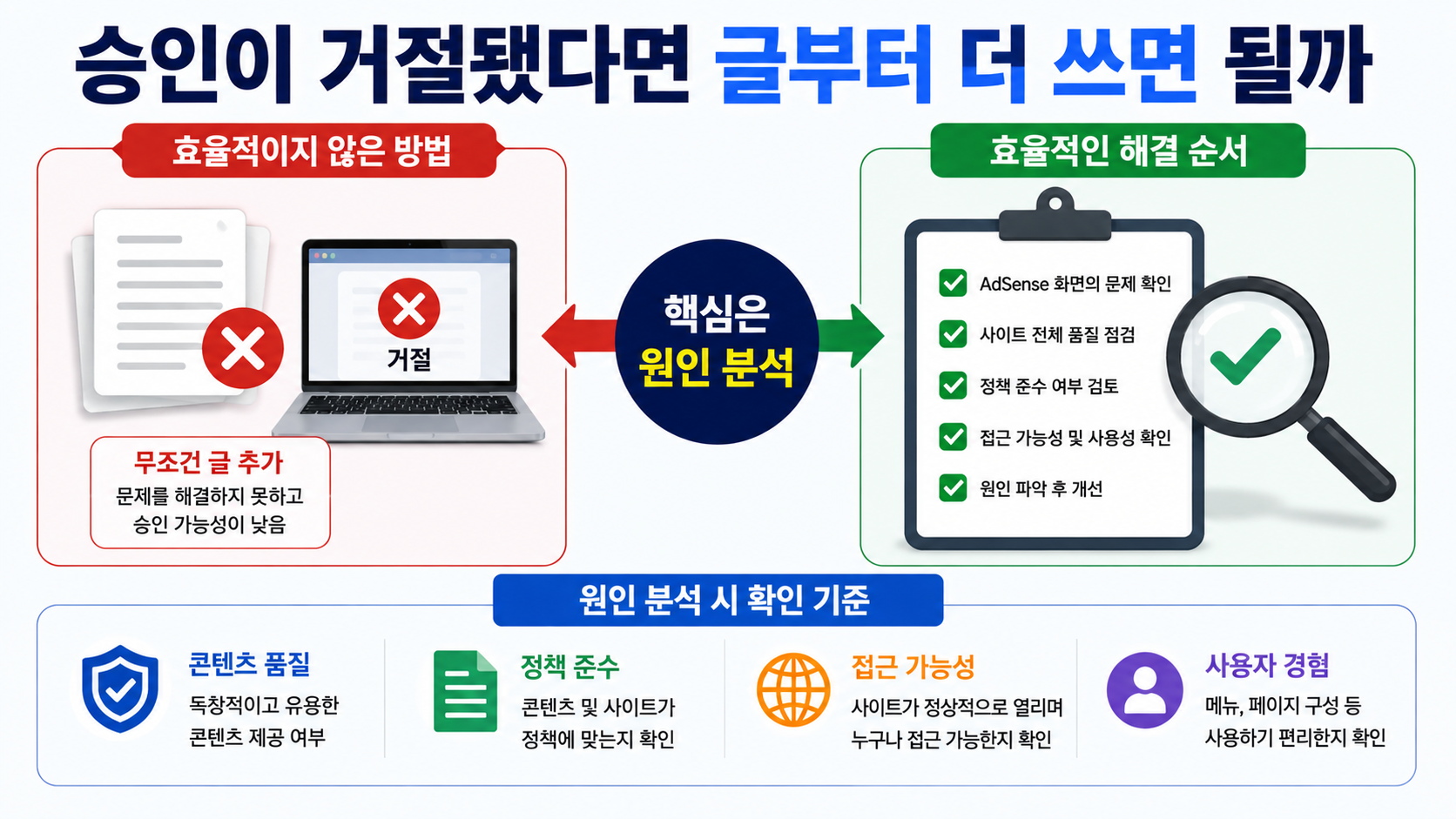
For example, if your content is insufficient, improving one existing article to make it more complete may be better than creating five additional articles with similar information. The overall value of your website may decline if visitors arrive expecting an answer based on the title but cannot find it, must navigate to another page after reading a short explanation to obtain the information, or encounter multiple pages that essentially repeat the same content.
Technical issues also need attention. If pages under review are only accessible after logging in, the review may be difficult. The review may also fail to proceed if the website does not load properly or the code connection is not configured correctly.
Another common mistake is creating a new AdSense account when you already have one. As a general rule, AdSense allows one account per publisher. If you already have an account, you should add your new website to that account rather than create another one.
When reapplying, it is better to check the reasons for rejection and the changes made to your website rather than simply reapply because several days have passed. If nothing has actually been corrected, you cannot rule out receiving the same result again.
How Do You Set Up Ads After AdSense Approval?
Once approved, the easiest way to get started is with Auto ads. With Auto ads, you install the AdSense code on your website, and Google analyzes the page structure to automatically determine where advertisements should appear.
For beginners, it is often easier to start with Auto ads, check how advertisements appear throughout the website, and adjust specific areas as needed rather than manually placing multiple ad units from the beginning.
Alternatively, if you want direct control over ad placement, such as within articles, in sidebars, or below specific content, you can create ad units and place them in your preferred locations. You do not necessarily have to choose exclusively between Auto ads and manually placed ad units. However, you should avoid displaying excessive advertisements relative to your content or placing ads where users might mistake them for menus or download buttons.
You should also avoid repeatedly adding advertising code simply because ads do not appear immediately. First, check whether AdSense shows that your website is eligible to serve ads, whether the advertising code is actually installed on the pages, and whether there are any issues in the Policy Center.
Is ads.txt Mandatory Before AdSense Approval?
Although ads.txt cannot be considered a mandatory application requirement, configuring it after approval is recommended. An ads.txt file identifies the sellers authorized to sell your advertising inventory and is used to help reduce counterfeit advertising inventory.
If an ads.txt warning appears in the AdSense Sites section, accurately add the information containing your publisher ID, as displayed in your account, to the ads.txt file in your website's root directory.
The status may not change immediately after you update the file. AdSense may need several days to check the modified ads.txt file again, and websites with low advertising request volumes may take longer. Therefore, first verify that the file is publicly accessible and then wait for the status to update.
Managing Invalid Traffic Is Even More Important Than Approval
AdSense approval is not the finish line; it is the beginning of advertising operations. Even approved websites may face advertising restrictions or account enforcement actions if publishers click their own advertisements, ask others to click ads, or generate automated visits or clicks.
Do not click actual advertisements on your own website just to check whether they are displaying correctly. Asking family members or acquaintances to 'click an ad once' is also prohibited.
You should also be cautious about purchased traffic and automated visitor programs. What matters is not simply an increase in visitor numbers, but where visitors come from and whether their behavior reflects genuine website usage.
Advertisements must also be clearly distinguishable from content. Avoid placing ads where they resemble navigation menus or download buttons, or where users are likely to click them accidentally. If attempts to increase advertising revenue make the website harder to use, both content engagement and advertising performance may suffer in the long term.
If your website receives international visitors, you should also review your privacy consent settings. In particular, when serving personalized advertisements to users in the European Economic Area, the United Kingdom, or Switzerland, you should check Google's consent management requirements.
When Should You Prepare Your AdSense Payment Settings?
Once advertising revenue begins to accumulate, check your identity verification, address verification, and payment method settings in the AdSense Payments section. Payment thresholds vary according to your account's reporting currency, so you should not automatically apply someone else's converted Korean won amounts to your own account.
For example, for an AdSense payments account with the US dollar as its reporting currency, the verification threshold and payment method selection threshold are each USD 10, while the actual payment threshold is USD 100. Reaching the payment threshold does not always mean that funds will be transferred immediately, and there must be no payment holds.
For AdSense accounts with a Korean address, the actual payment options displayed in your account should be treated as the final reference for available payment methods. When entering banking details, make sure the recipient and bank information are accurate.
Estimated earnings shown in your revenue dashboard may not exactly match your final payment amount. Adjustments for invalid traffic and other factors can change the finalized amount, so daily estimated earnings should not be treated as confirmed payments.
If you are operating AdSense for the first time, following the sequence approval → ad impressions → verification of legitimate traffic → identity and address verification → payment setup can help you manage the process without missing important steps.
Frequently Asked Questions
How Many Posts Do You Need for AdSense Approval?
Google's official eligibility requirements do not specify a fixed number of posts that applies to every website, such as '20 posts.' Rather than trying to reach a particular post count, it is more important to ensure that each page provides sufficient independent information and that the website as a whole is complete and functions properly.
Can You Apply for AdSense With Very Few Visitors?
You should not interpret Google's official eligibility requirements as a simple visitor-count threshold. Before applying, it is safer to prioritize content originality, website accessibility, and policy compliance instead of focusing solely on increasing traffic numbers.
How Long Does AdSense Approval Take?
Website reviews can usually be completed within a few days, but some websites may take 2~4 weeks. While your review is in progress, check your website status in AdSense and whether your account requires any additional actions.
Will AdSense Reject My Website If I Do Not Have ads.txt?
Using ads.txt is not mandatory, but Google strongly recommends it. If you are running advertisements after approval, you should verify that your publisher ID is correctly registered.
Can I Click My Own Ad Once After Approval?
No. Publishers are prohibited from clicking their own live advertisements. Even when checking whether ads are displayed correctly, you must not test them by clicking actual advertisements.
AdSense is not a service where success depends on reaching a particular number of posts or using a one-time approval trick. The fundamental operating approach is to establish the value of your website and comply with policies first, then consistently manage legitimate traffic, privacy requirements, and payment settings after approval rather than focusing only on ad placement.
---