

OpenAI Dots: Key Features and Capabilities of an AI Agent That Keeps Working After the Conversation Ends

OpenAI Dots is a ChatGPT AI agent designed to take on ongoing responsibilities beyond the one-time question-and-answer interactions of conventional conversational AI. As of 2026-09-30, Dots is powered by GPT-6 Astra and operates on a separate cloud computer. It can use connected apps and memory to continue assigned tasks even after a conversation ends.

The most important difference is not simply that it produces better answers. Instead, users can assign ongoing responsibilities, monitor progress, and approve actions or change direction when necessary.
How Is OpenAI Dots Different From Regular ChatGPT?
The key distinction between a regular ChatGPT conversation and Dots is ongoing responsibility. Dots is designed to remember the context of active tasks and continue working across multiple conversations.

For example, rather than simply asking it to analyze some material, users can assign Dots responsibility for a particular project and configure it to keep checking for new information or perform necessary tasks on a recurring basis.
Dots uses GPT-6 Astra, and each dot is provided with its own cloud computer. It can also access a user's personal computer if the user explicitly grants permission, but local computer access is disabled by default.
It Continues Working Across Conversations
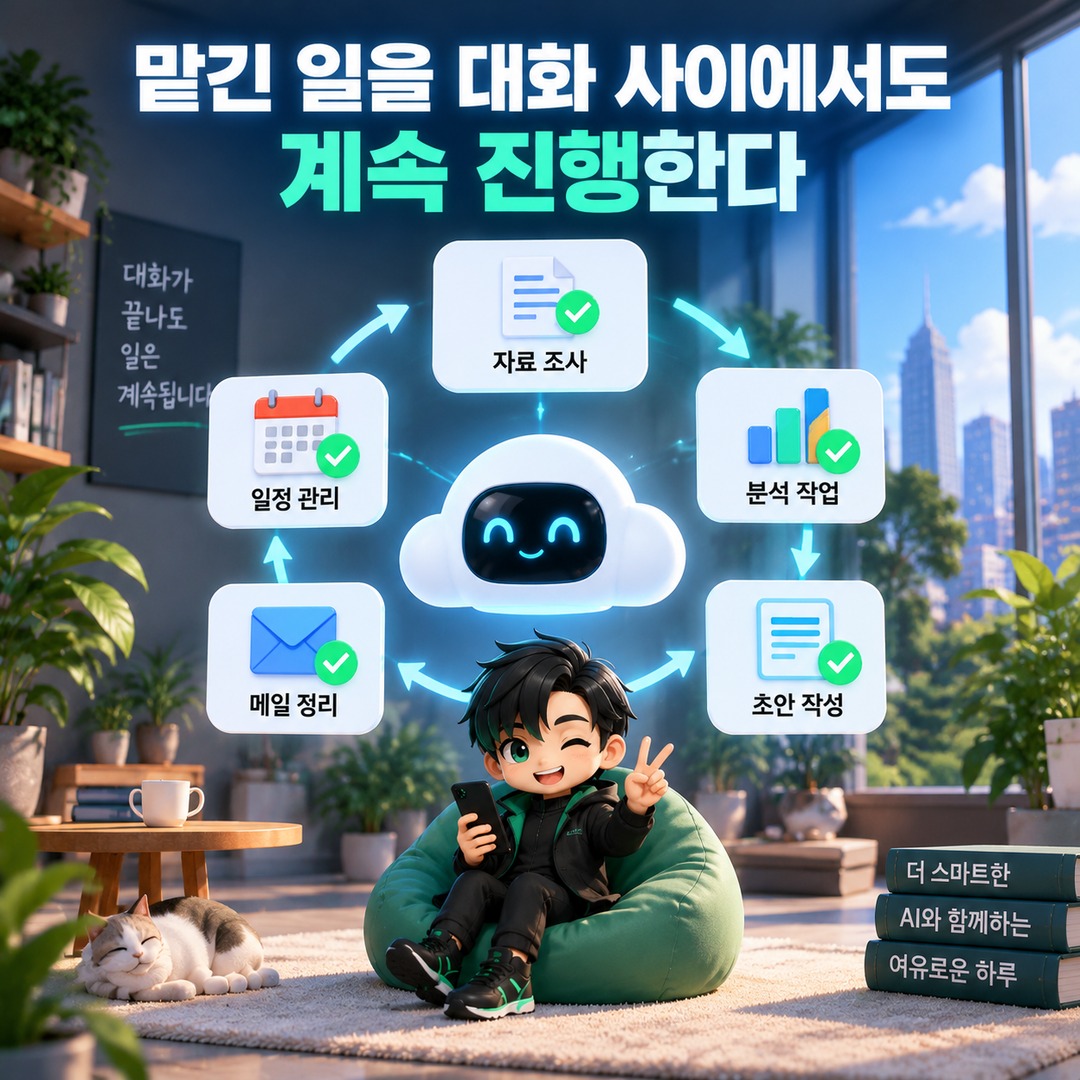
One of Dots' most notable capabilities is its ability to continue working within an established scope without requiring constant instructions from the user.
Users can provide a project or business objective and define which tasks Dots may handle independently. Dots can determine and carry out appropriate next steps, while bringing decisions that require human judgment back to the user.
Users can check task status in their profile under In progress, Scheduled, and Completed. They can also review ongoing work, provide additional information, change direction, or pause Dots entirely.
In this sense, using Dots is less about 'question → answer' and more about 'task assignment → ongoing work → review and approval.'

It Uses Its Own Cloud Computer and Connected Apps
Each dot operates on its own cloud computer. If apps are connected, it can also use information from those apps within the permissions granted.
If users connect their personal computers, Dots can access files or work in the local environment. It can also create Work or Codex tasks and use local skills and browsers.
However, connecting a personal computer is optional. By default, the Dots cloud environment remains separate from the user's local computer.
Dots can also use Codex cloud environments. In this case, users first create an environment in Codex and then ask Dots to perform tasks using that environment.
It Can Proactively Review Connected Information and Suggest Tasks
Dots is not limited to checking connected information only when a user asks a question. It can conduct background research using permitted connected information and identify potentially useful findings.
This proactive research uses read-only tools. Background research itself does not authorize Dots to send messages to other people, modify content in connected apps, or directly operate browsers and desktops.
Even if Dots determines that follow-up work is necessary based on its findings, any actual actions remain subject to the existing permission and approval rules.
This distinction matters. 'Being able to review information proactively' does not mean 'being allowed to execute every action autonomously.'
It Can Handle Recurring and Scheduled Tasks
Dots also supports scheduled and recurring tasks. For example, users can ask it to review their calendar every morning or check specific information at regular intervals.
Scheduled tasks can be viewed in the Scheduled section of the profile, where users can modify recurring schedules, execution times, and completion notification settings.
This makes it possible to delegate regularly recurring responsibilities, such as calendar reviews, as well as projects that require continuous monitoring.
It Works With Connected Environments Such as Slack and Email
Dots is not limited to operating within ChatGPT alone.
Users can connect Slack and personal email accounts for use in their tasks. However, at launch, Dots does not provide a separate, independent email address for each dot.
Access to Dots through ChatGPT is being rolled out gradually across web, desktop, and mobile platforms. Features for integrating Dots into workflows through Slack and Microsoft Teams have also been described.
Text messaging is not available equally to all users. As of 2026-09-30, a limited beta of the texting feature is available to select Pro users in the United States, but it is not offered to Business or Enterprise workspaces.
The ability for Dots to initiate phone calls to users is also unsupported at launch.
It Uses Memory to Maintain Long-Term Work Context
Dots can receive memory from ChatGPT and create its own memories. Information obtained through connected apps can also contribute to the ongoing context of its work.
This structure can reduce the need to repeatedly explain project backgrounds and preferred working methods from scratch.
However, disconnecting an app later does not automatically delete information that Dots has already obtained from that app. To delete a dot's stored memories, the dot must be reset. Resetting also deletes its conversations, stored memories, and scheduled tasks.
Important Actions Are Subject to Permissions and Approval Rules
The fact that Dots can work continuously does not mean it can execute every task automatically without restrictions.
Users can configure Custom Rules to determine whether specific actions may be executed immediately, only when previously approved, after confirmation each time, or must be handed over for the user to perform directly.
Actions that may affect actual accounts or data, such as sending emails or modifying files, are also subject to a separate Auto-review process. Auto-review evaluates proposed actions against the user's instructions, Custom Rules, and safety requirements.
Some actions always require user confirmation. These include permanently deleting data and granting new security access permissions.
For more sensitive operations, such as changing passwords or transferring funds between financial accounts, Dots may assist with surrounding tasks, but the final step must be handed over to the user.
Purchases made using saved payment methods also require user approval.
What Tasks Can Dots Actually Handle?
Based on its publicly described capabilities, Dots stands out most in work that requires ongoing management rather than a single question.
For example, users can assign tasks such as regularly reviewing calendars and providing schedule updates, researching connected materials to prepare documents, tracking project progress, and handling development work connected to Codex.
In content production, users can also connect source materials and working environments to delegate ongoing production tasks. The important point is that results should not be accepted automatically without review. Human oversight of progress and deliverables remains necessary.
OpenAI also advises that Dots can make mistakes and that users should verify important details.
Who Can Use Dots?
As of 2026-09-30, Dots is being rolled out gradually, so the feature may not appear immediately even for accounts that otherwise meet the same eligibility requirements.
Pro users can access it through a phased rollout in eligible markets outside the European Economic Area (EEA), Switzerland, and the United Kingdom. Business Premium is available in regions where ChatGPT is supported, while Enterprise customers can use the beta if their workspace administrator enables the feature. Dots is initially disabled by default in Enterprise workspaces.
The first dot is included at no additional cost with Pro or Business Premium subscriptions. However, separate usage allowances apply to the amount of work it can perform, with expanded limits available during the first month after launch. Options to add more dots and increase workload capacity and processing speed are also expected to become available later.
How to Create Your First Dot
Initial creation takes place through the ChatGPT desktop app or desktop web interface. Users currently cannot create a new dot on mobile, and mobile web is not supported.
After creating a dot, users can give it a name, connect the necessary apps and permissions, and describe the work they want it to handle. Once a supported mobile app environment is available, users can also communicate with an existing dot from their mobile devices.
Rather than granting broad permissions from the beginning, it is easier to understand and manage Dots' permission structure by selecting only the apps and actions actually needed and requiring approval for important tasks.
The Real Value of Dots Is Not Longer Answers, but Ongoing Responsibility
The most important capabilities distinguishing OpenAI Dots from conventional ChatGPT are persistence, a dedicated working environment, connected tools, scheduling and proactive research, and action permission management.
Users can assign responsibilities, monitor progress, and intervene when necessary. At the same time, the extent to which Dots can access connected information or perform real-world actions remains governed by user-granted permissions, Custom Rules, mandatory approvals, and safety checks.
Therefore, when deciding whether Dots is necessary, a more useful question than 'How much better are its answers than regular ChatGPT?' is 'Do I have tasks that need ongoing management even after a conversation ends?' That question better captures the product's distinguishing value.